CASE STUDY / QRELIA / 2026
Hospitality workforce platform + physical terminal
Meet QRelia Pulse.
What if the rota, the people, the clock-in system and staff development all spoke the same language?
I built Pulse to bring those parts of a working hotel together: practical rota planning, meaningful attendance records, a mobile Crew portal, a full learning hub and a fingerprint-enabled terminal I assembled myself.
01 / THE PROBLEM
A hotel doesn't run on isolated screens.
Publishing a rota is only the beginning. People arrive, take breaks, swap tasks, request time away, learn new responsibilities and need clear information throughout the shift.
Pulse connects the manager's plan, the employee's working day and the physical clock-in point without pretending those are separate problems. It's a purpose-built system for a single real venue, rather than a generic mock-up.
02 / THE CONTROL ROOM
Everything a manager needs to keep the day moving.
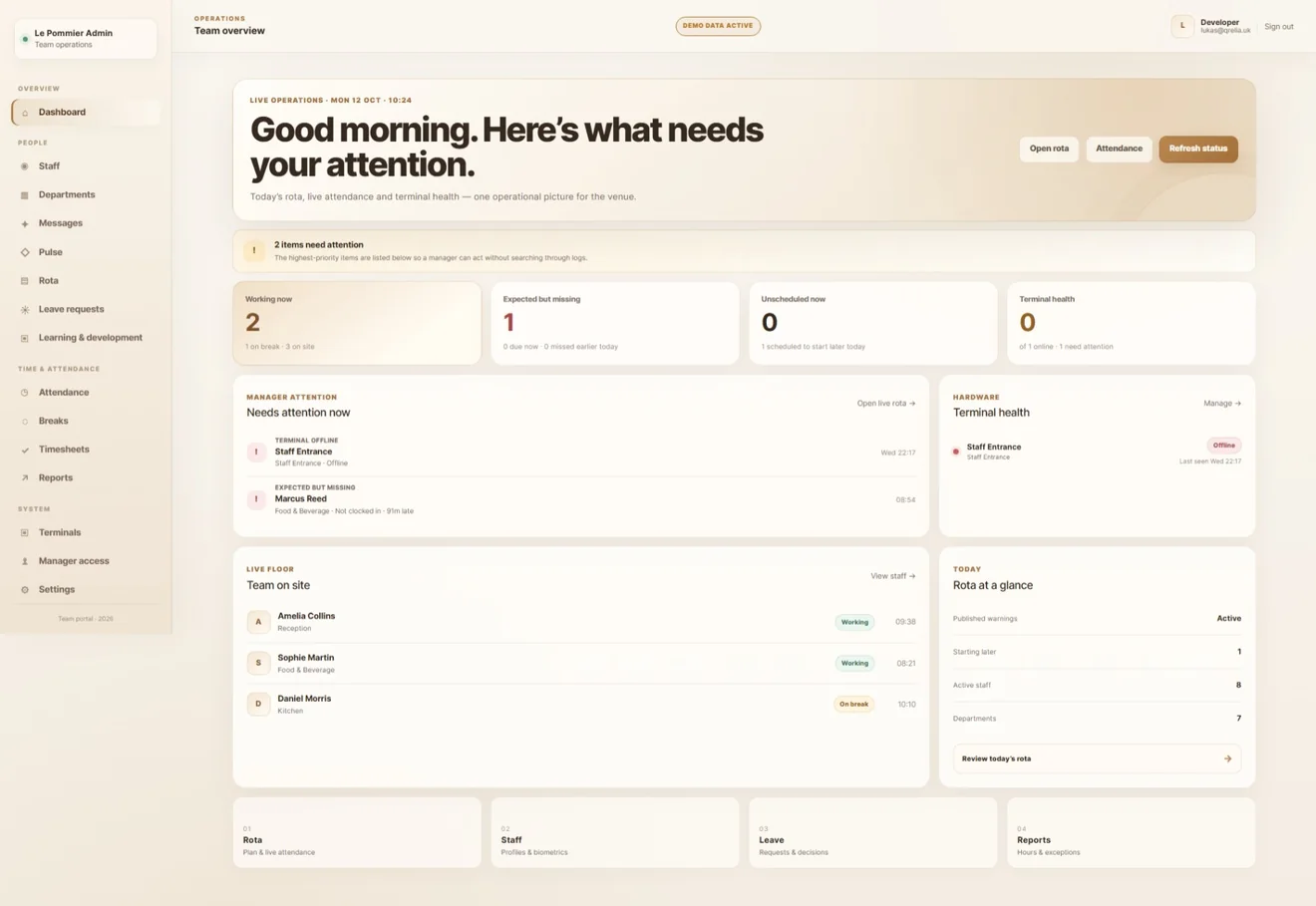
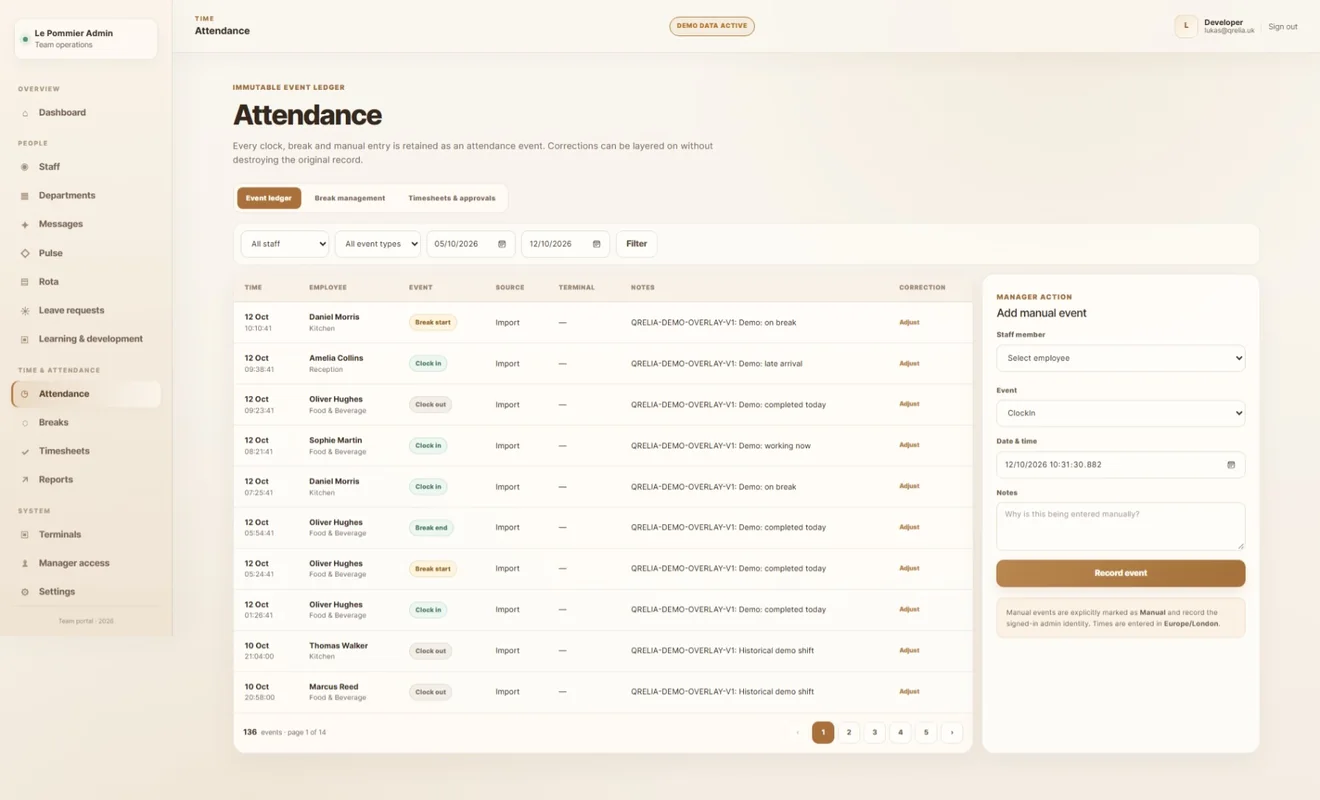
Not just a clock-in dashboard. Planning, attendance, exceptions and people management connect in one place.
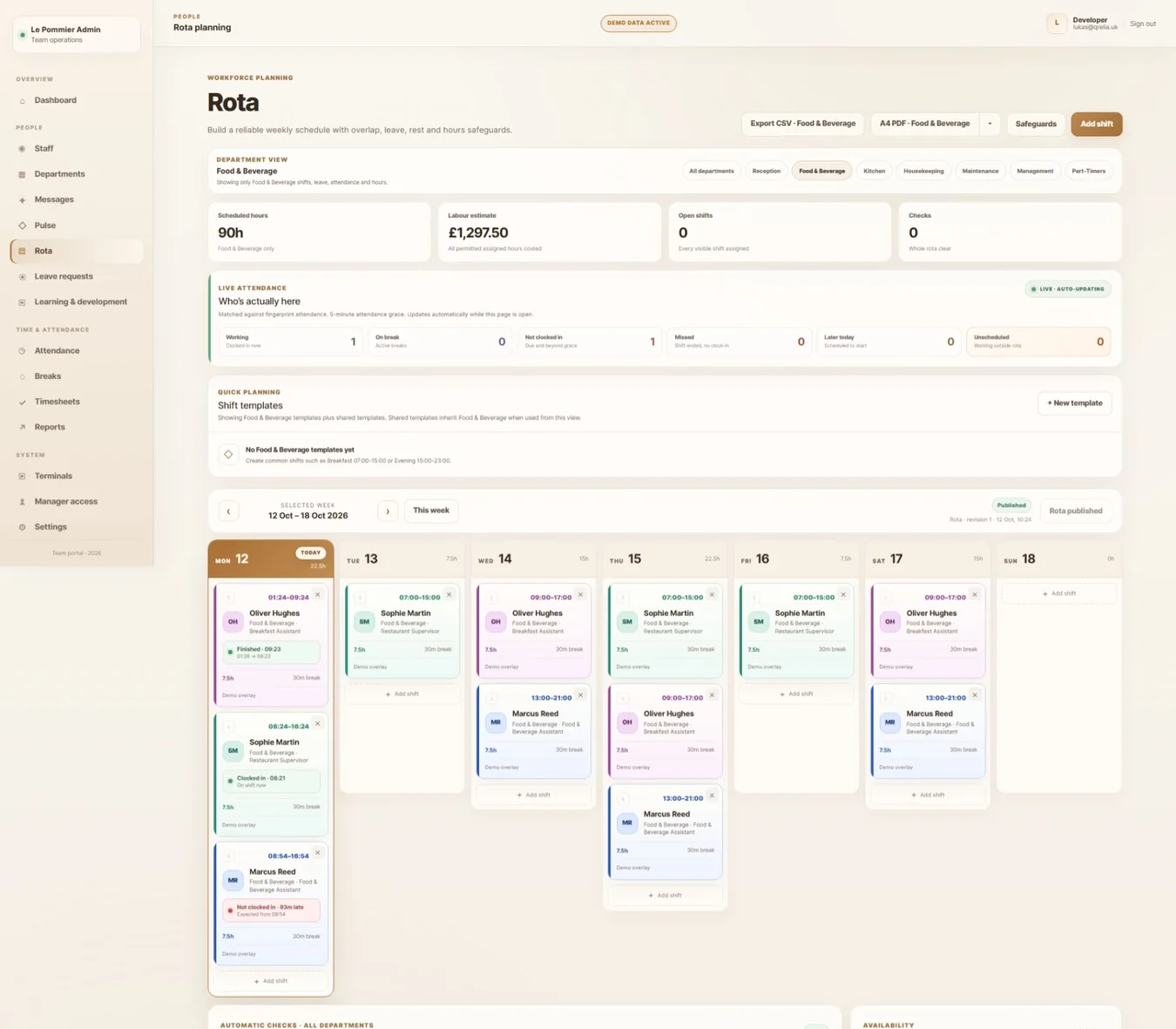
MANAGER WORKSPACE / NOT JUST TIMETABLES
Made for the awkward realities of shifts.
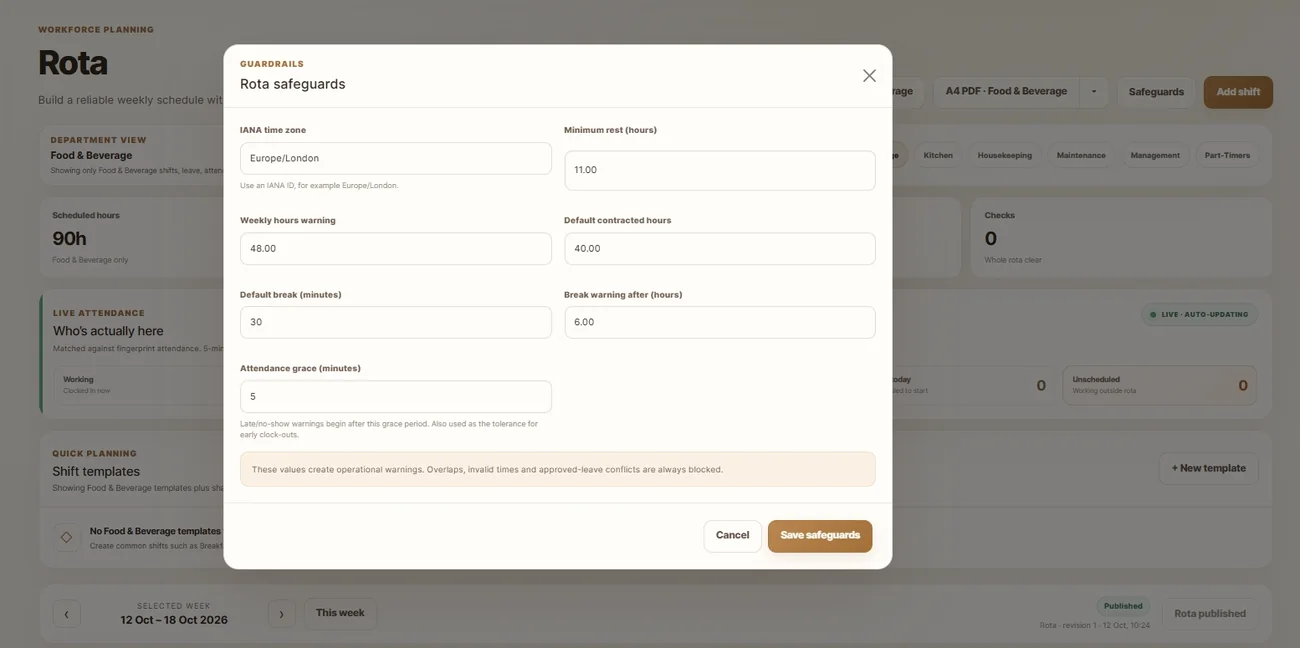
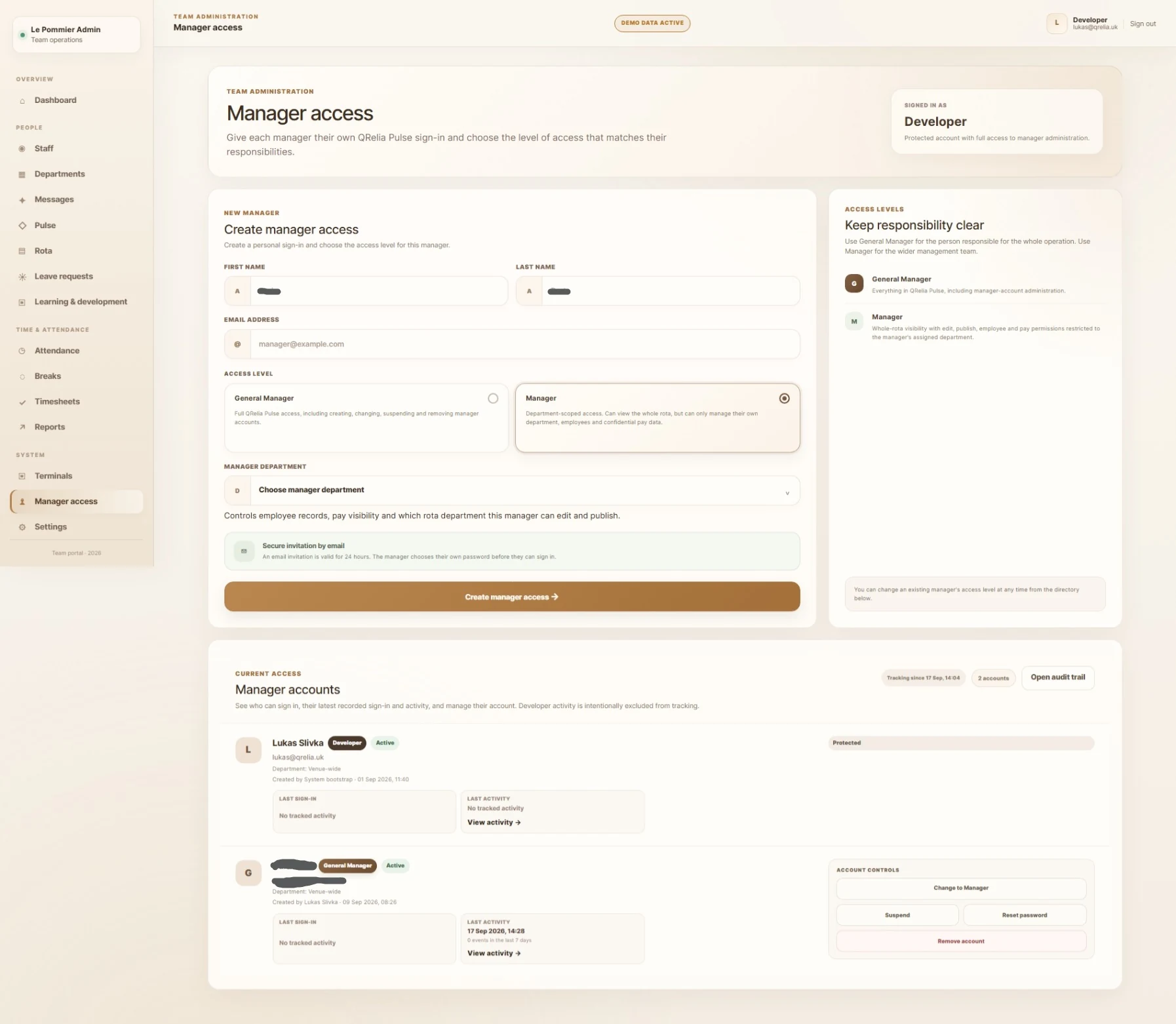
Department-aware access, shift templates, rota safeguards and revision workflows keep planning practical. Attendance, breaks and timesheets then make the difference between what was planned and what actually happened visible.
03 / SIGNATURE FEATURE
A learning hub that belongs inside the workday.
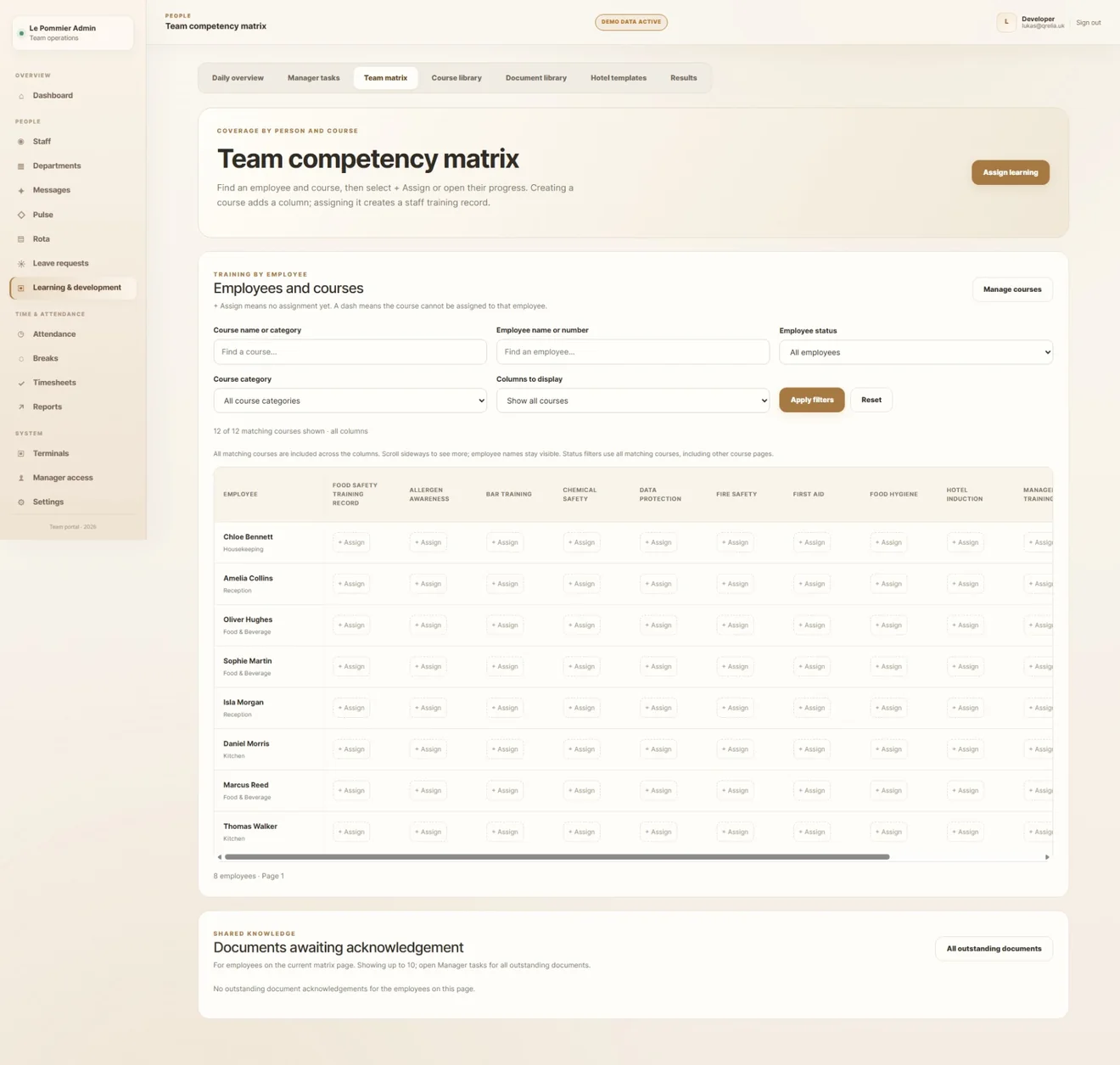
Training isn't an unrelated folder of PDFs. It becomes a managed pathway from materials to measurable progress.
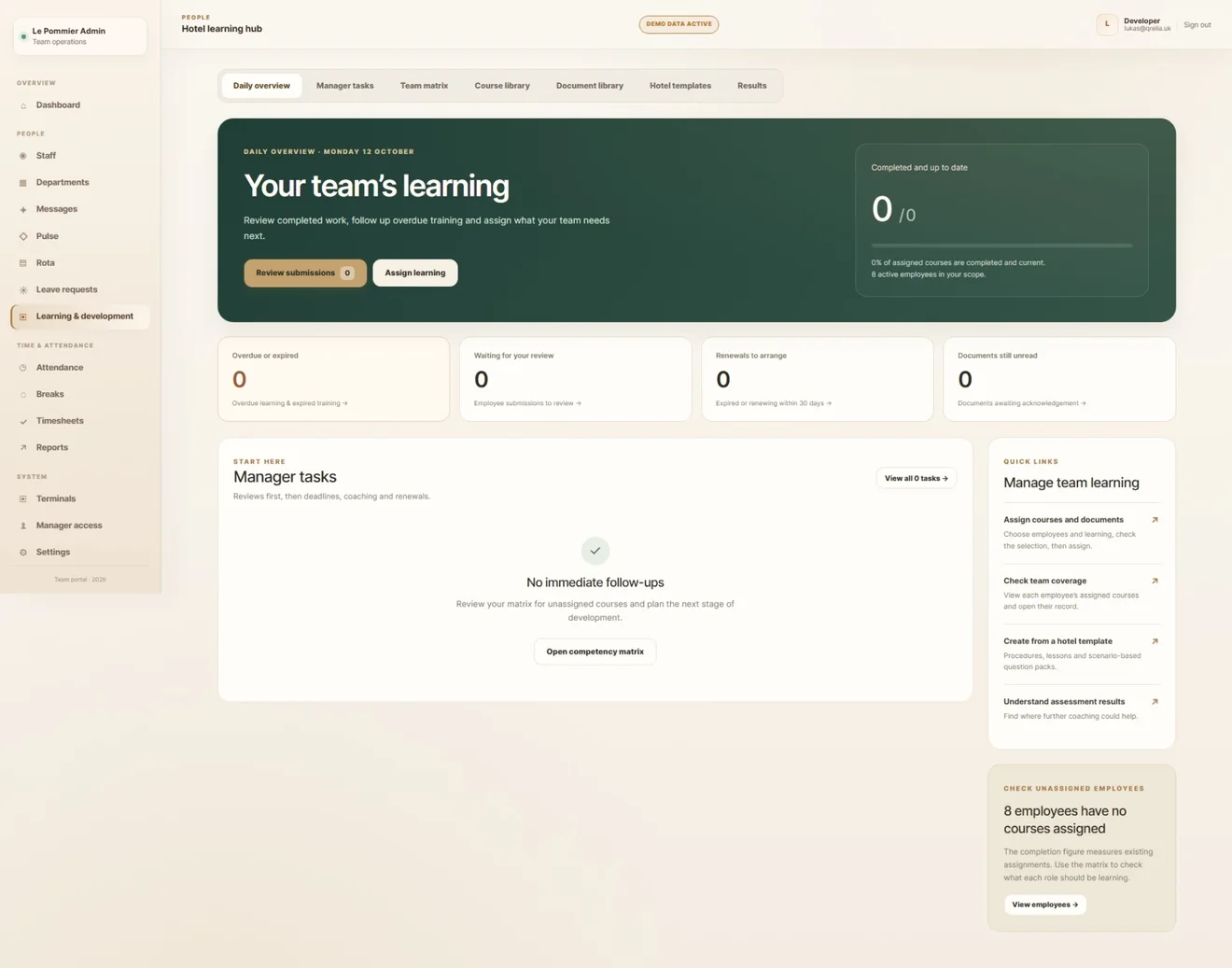
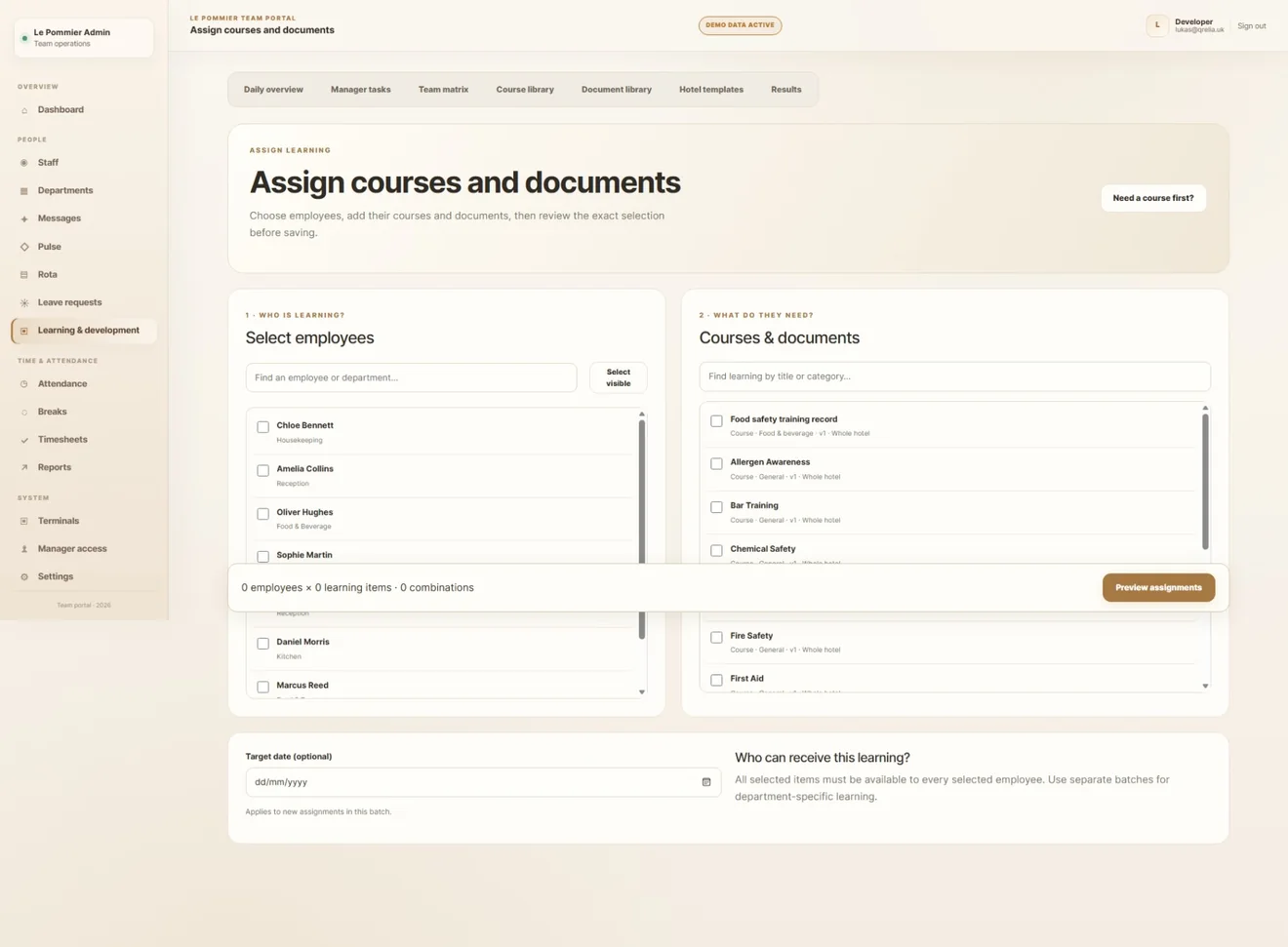
From a course to a capable team.
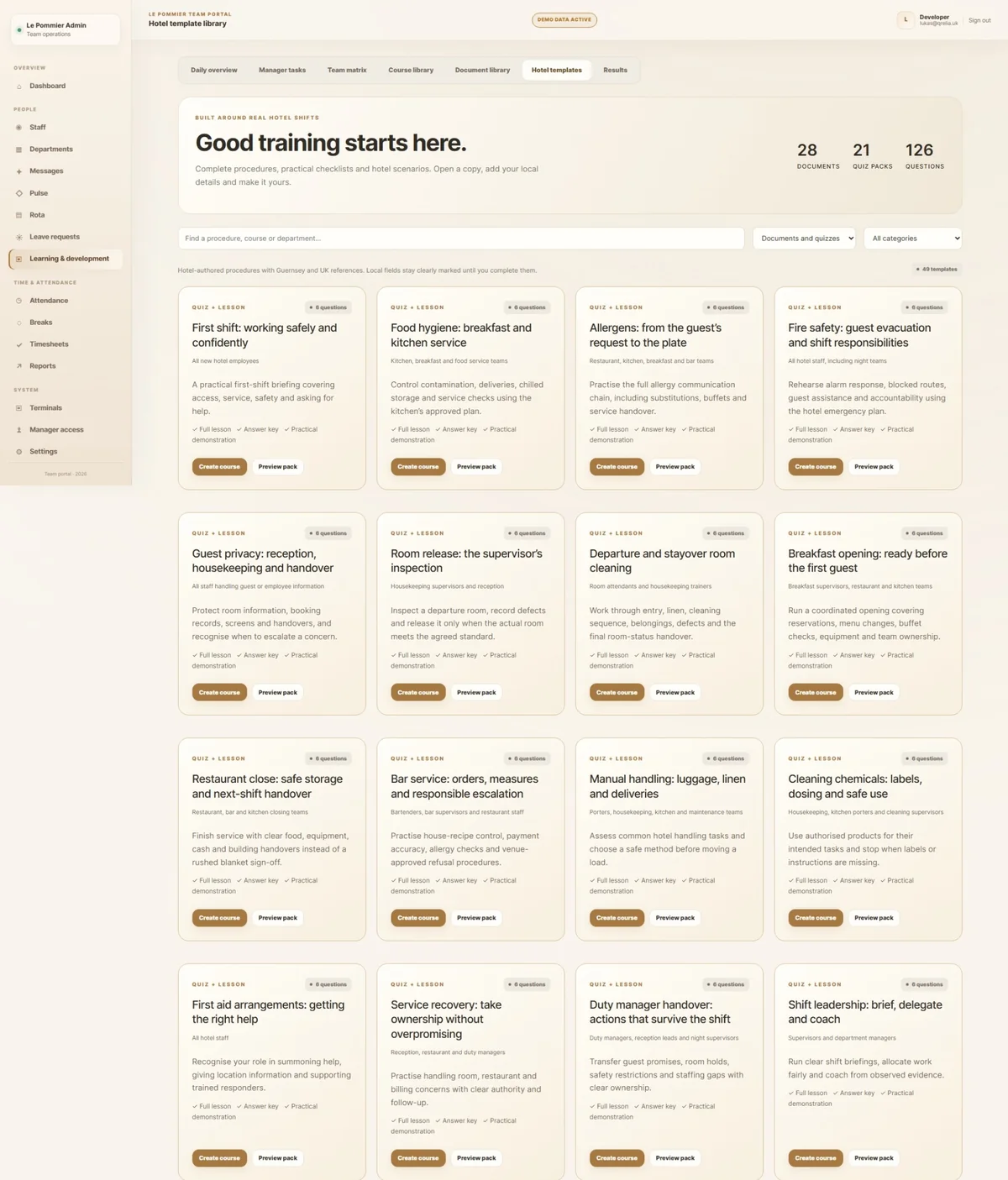
- Build courses and lessons
- Use hospitality-specific learning templates
- Assign content to the right people
- Assess understanding with quizzes
- Review results and the competency matrix
The design addresses the full lifecycle of training, not simply file storage.
04 / THE HUMAN TOUCH
Meet Pommie. And a different kind of gamification.
A little companion with a genuinely operational role.
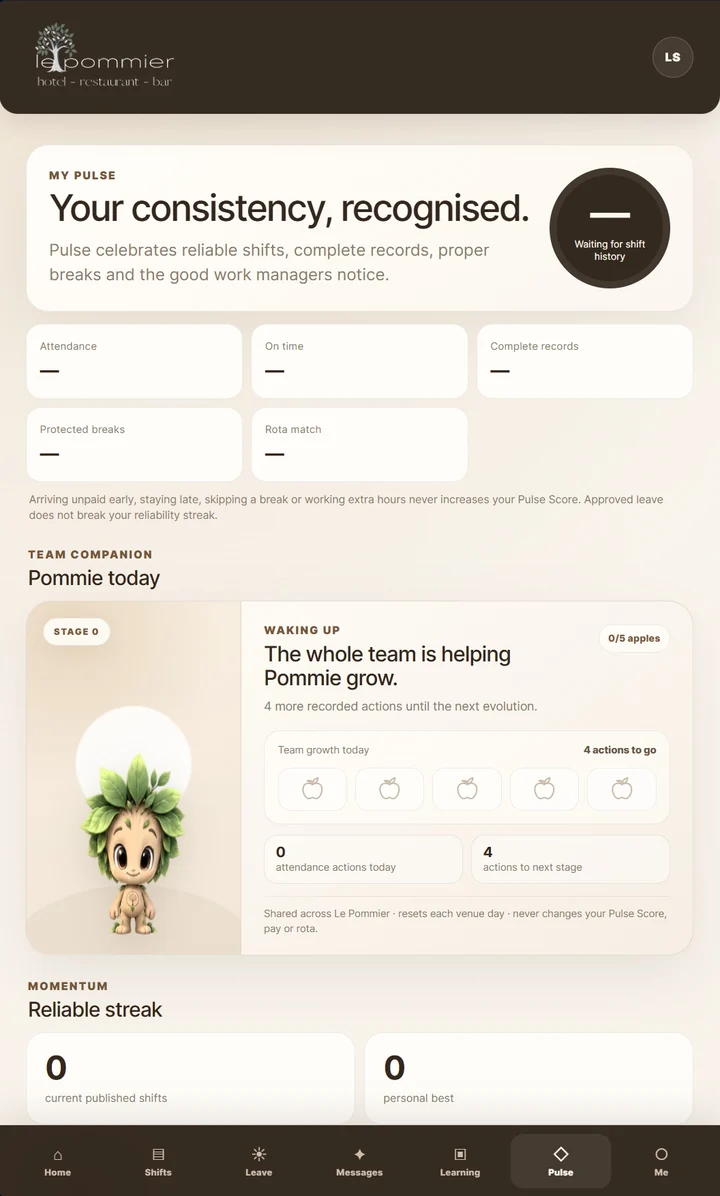
As the team records normal attendance actions, Pommie progresses through shared stages. He gives the terminal and Crew experience some warmth, but the logic behind him stays grounded in real attendance behaviour.
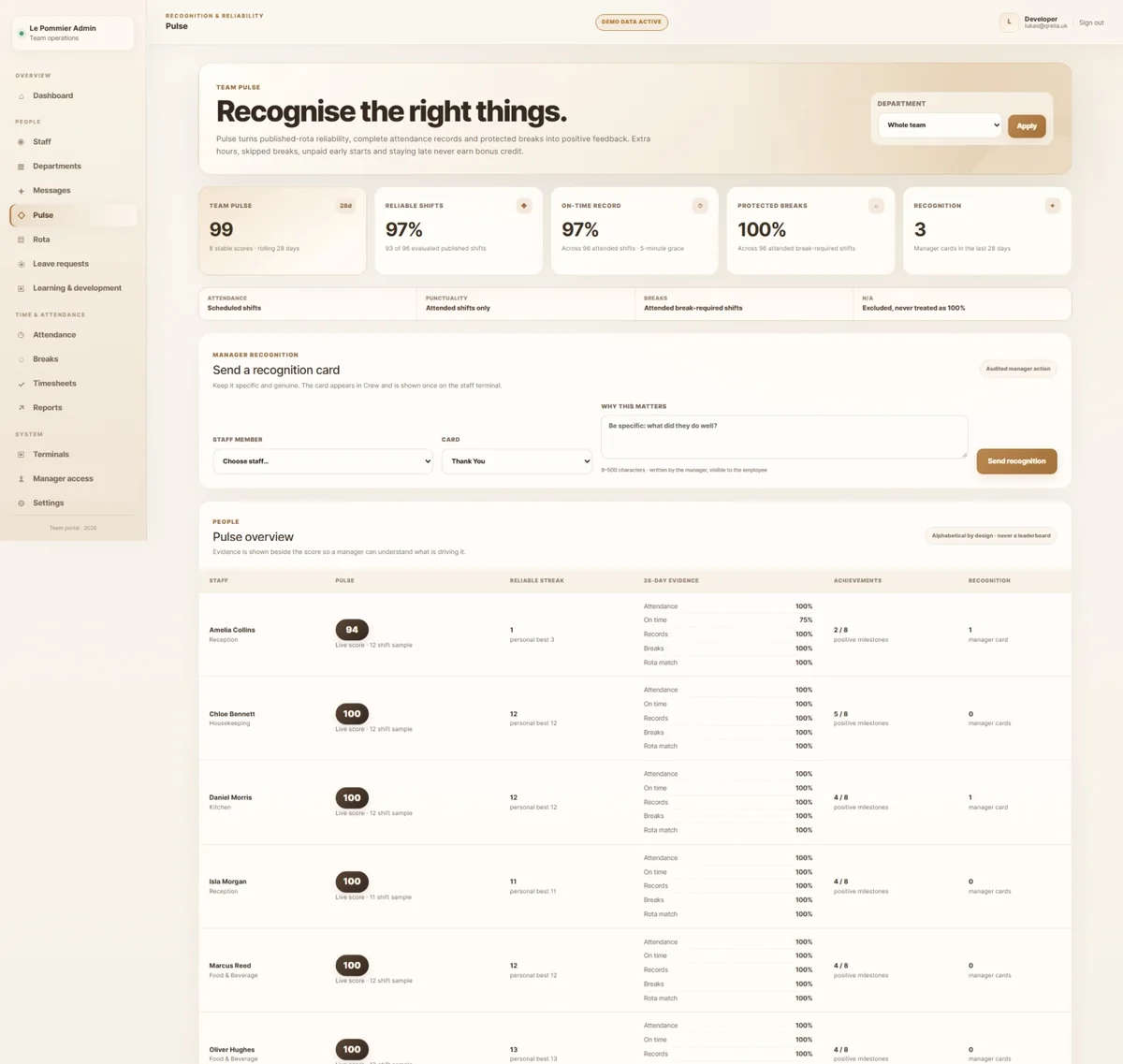
Pulse Score recognises consistency, accurate records, punctuality and proper breaks. Reliable streaks make progress visible without pretending that skipped breaks or unpaid extra hours are achievements.



One companion for the whole team
05 / IN THE EMPLOYEE'S POCKET
The other side of the same system.
These are real mobile screenshots from QRelia Pulse Crew, shown as they are experienced: on a phone.
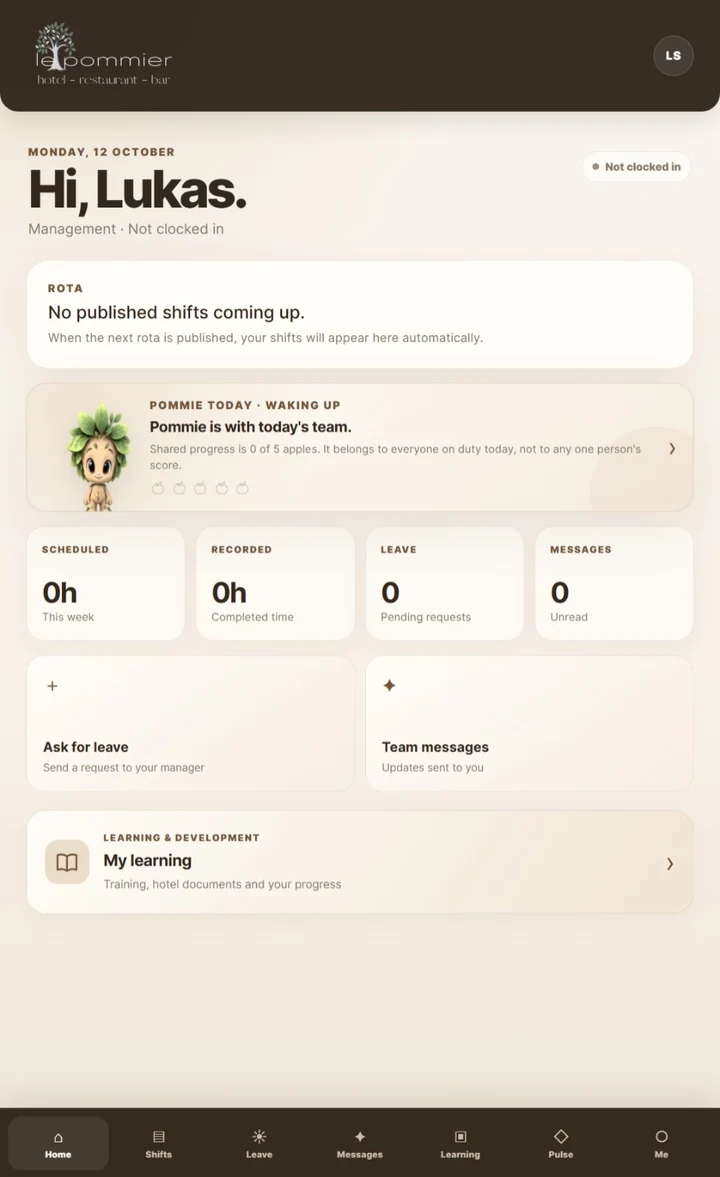
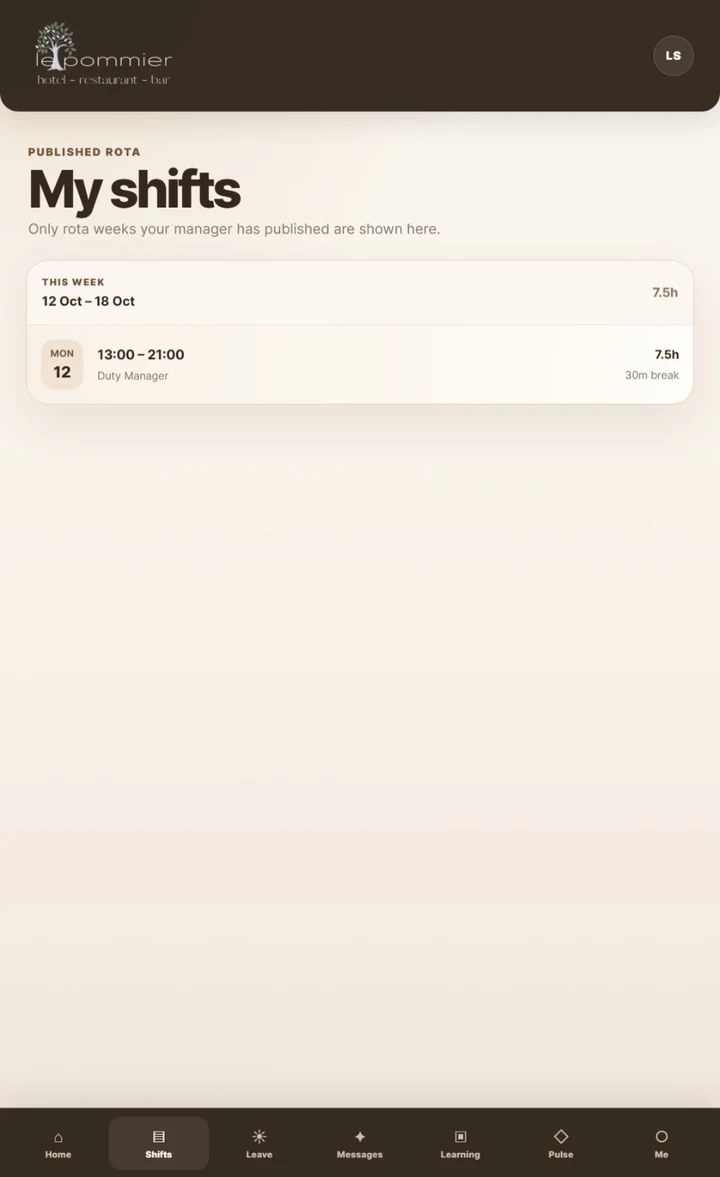
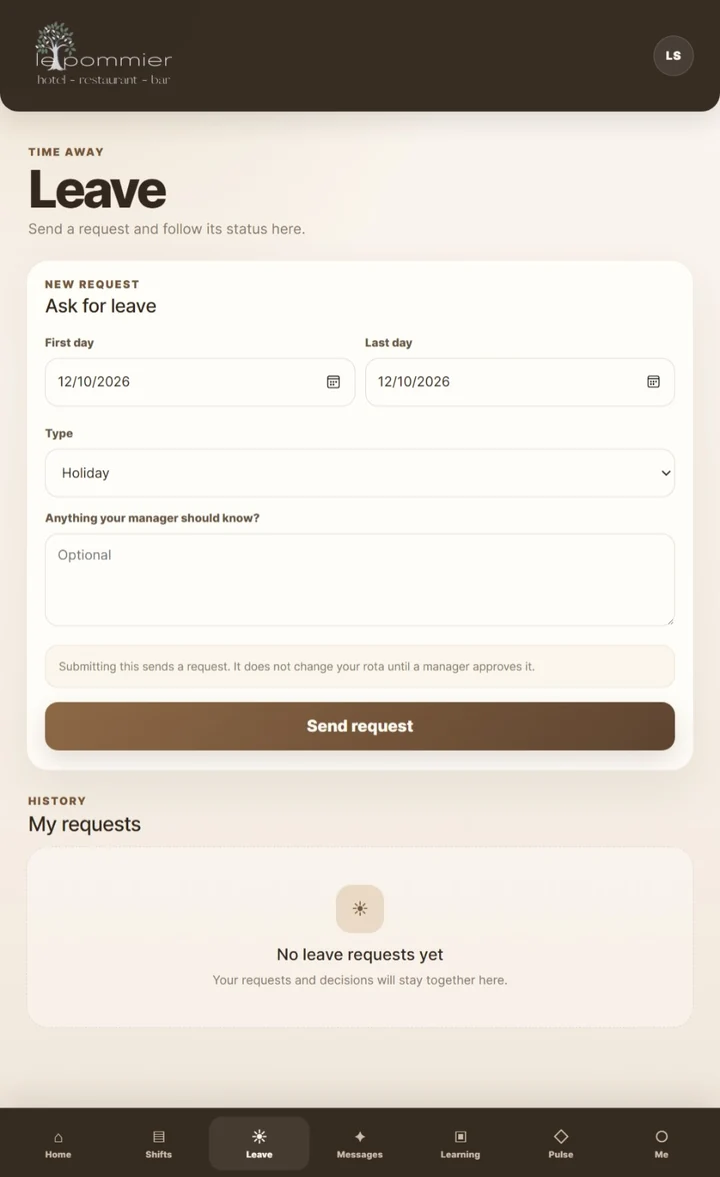
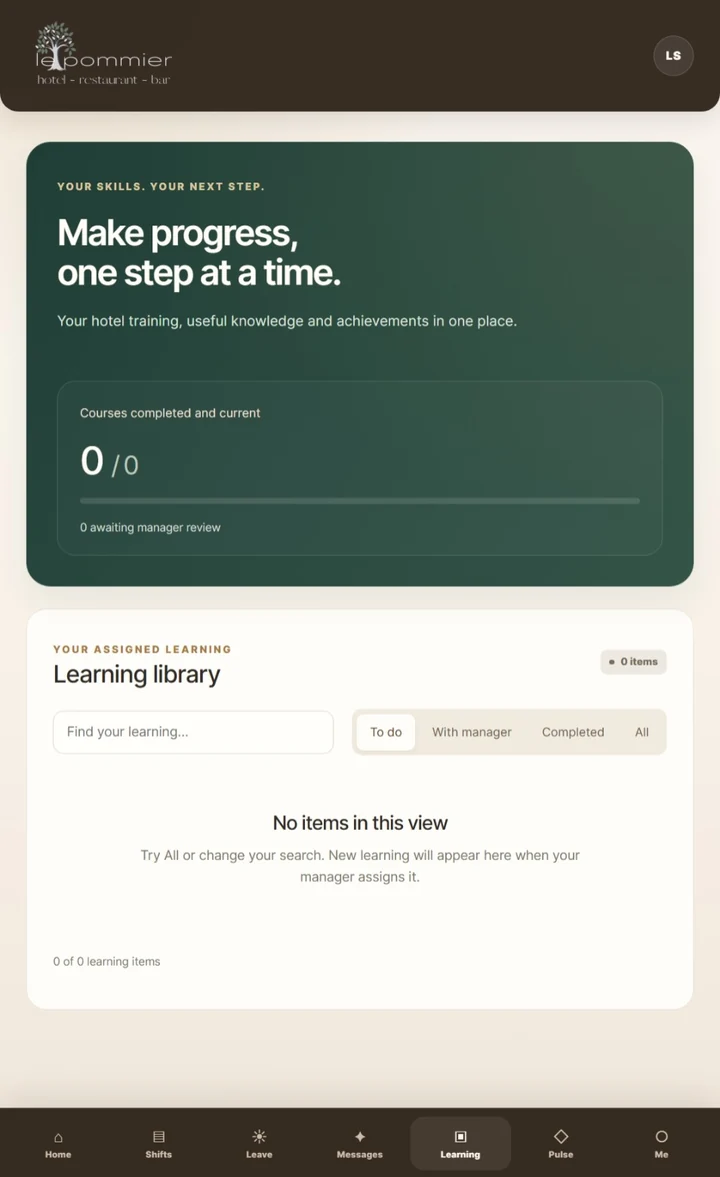
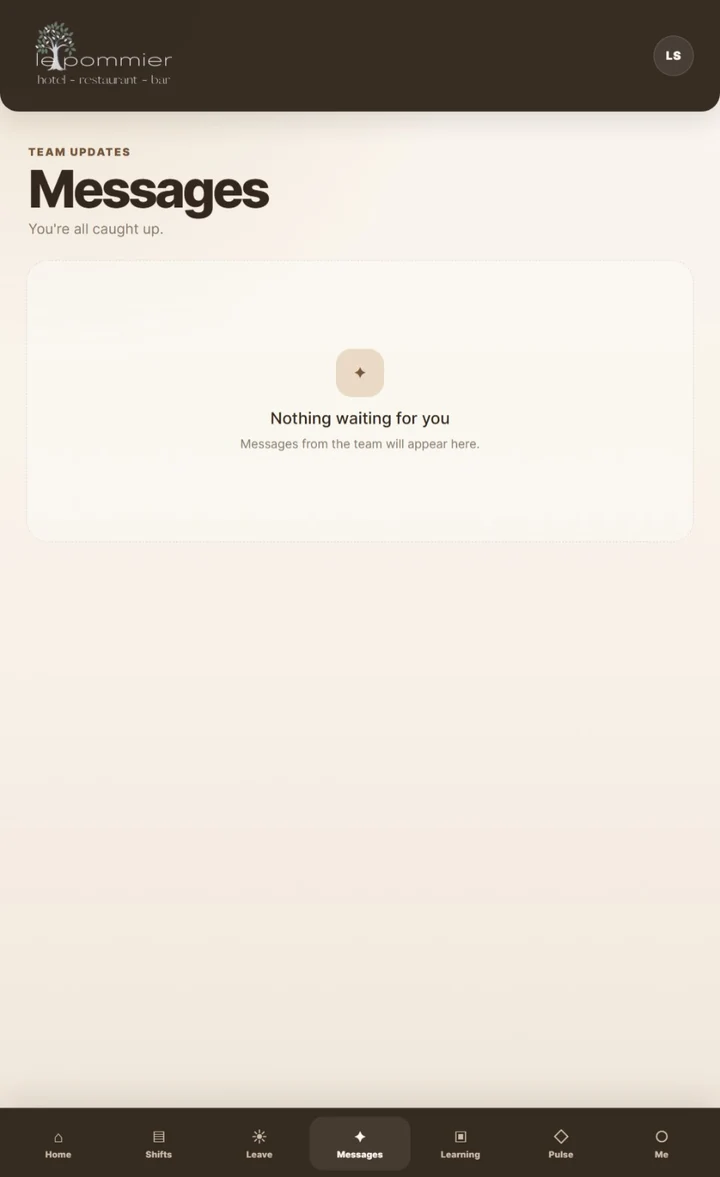
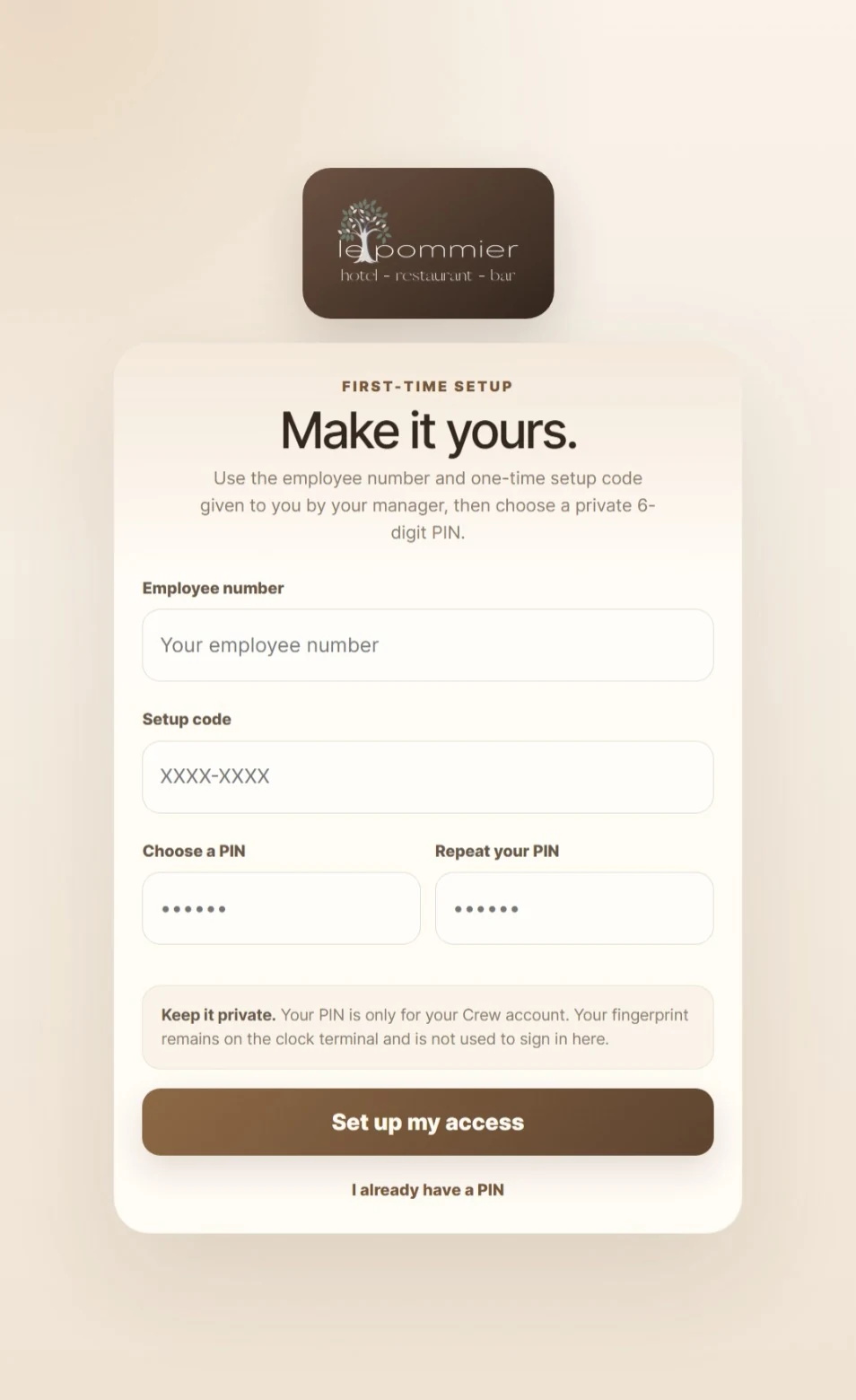
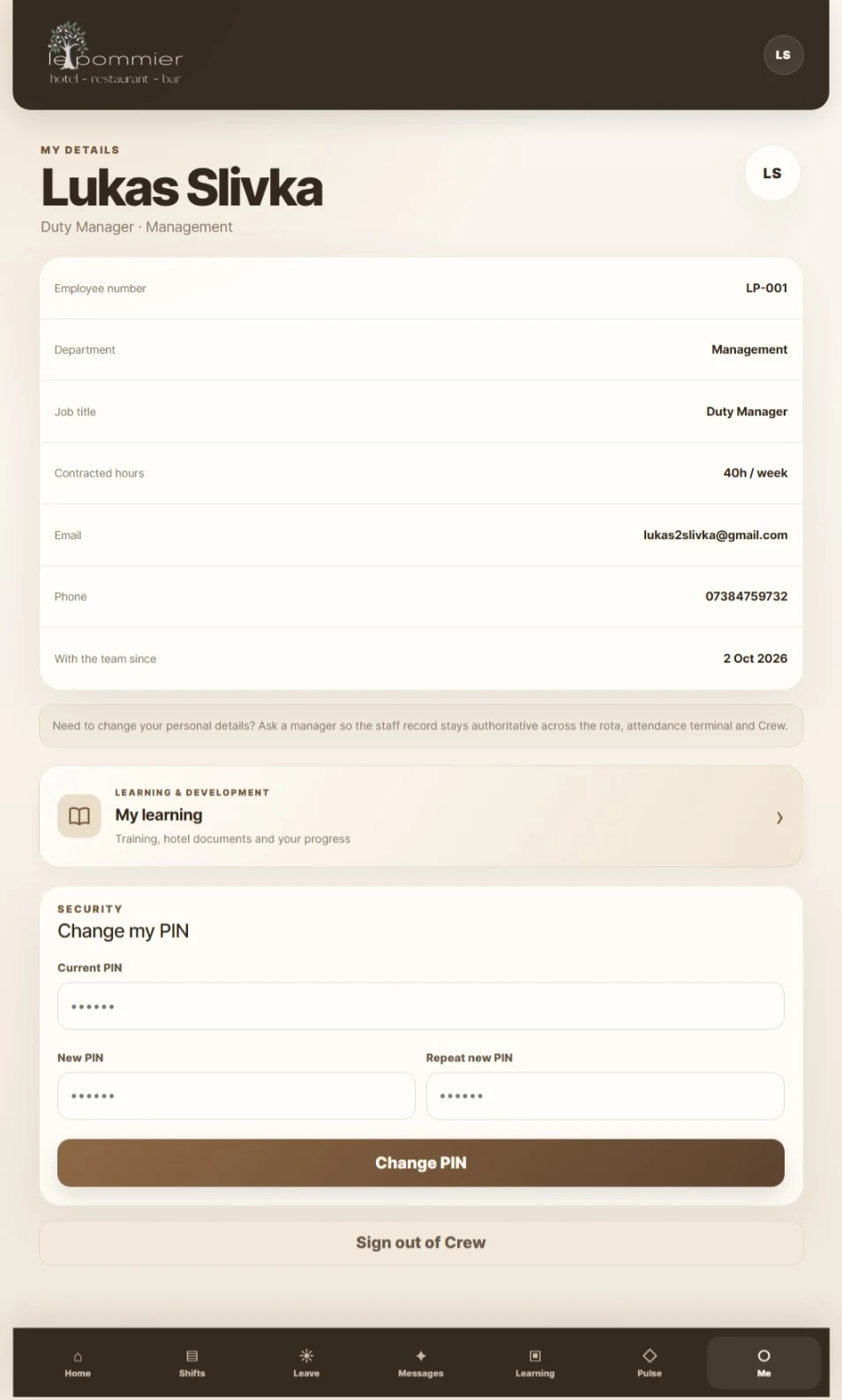
On smaller screens, swipe sideways to explore all seven mobile views.
06 / BUILT BY HAND
Then I made the software physical.
The terminal is a real embedded build, not a 3D concept image.
A purpose-built way to start a shift.
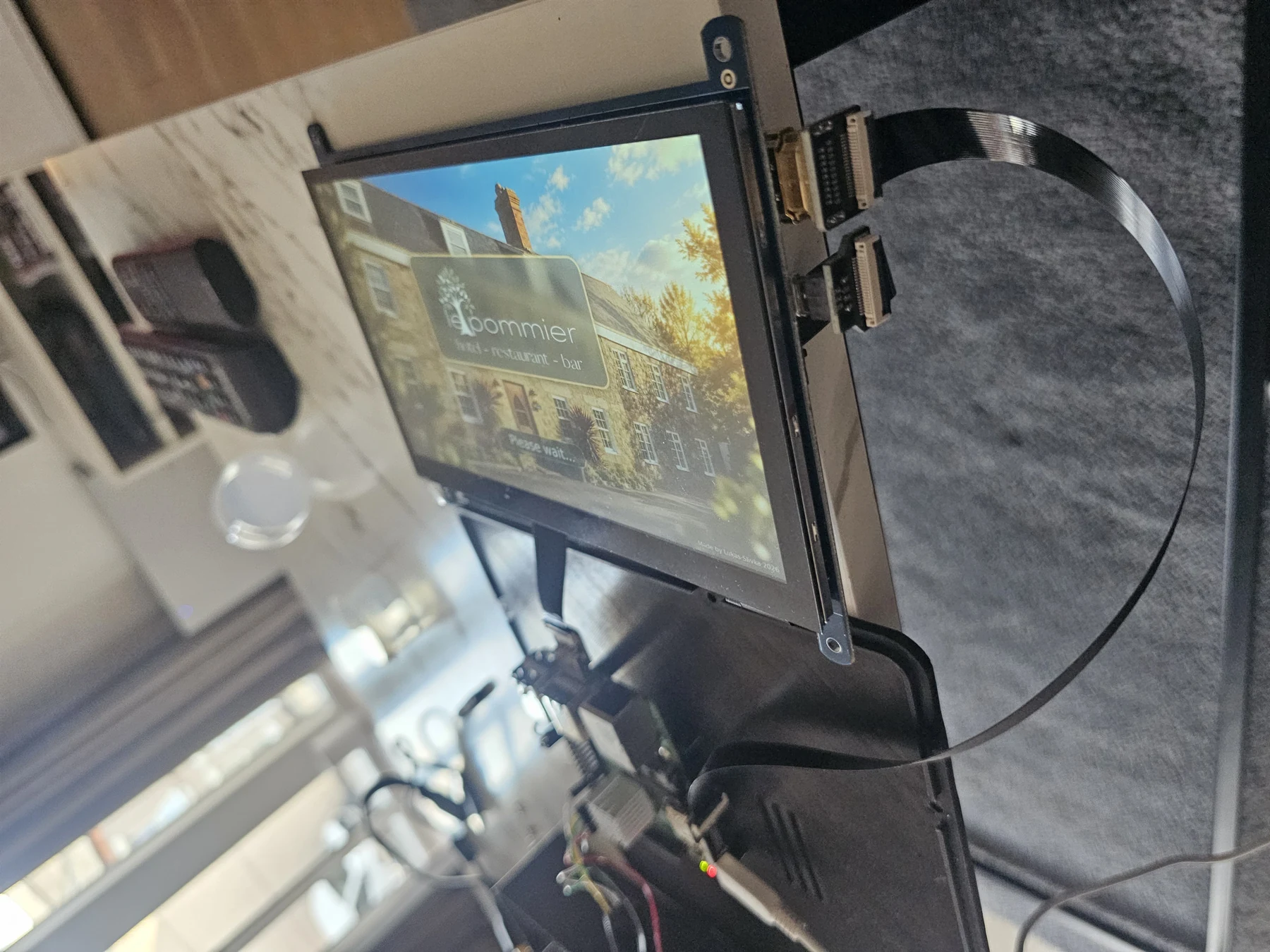
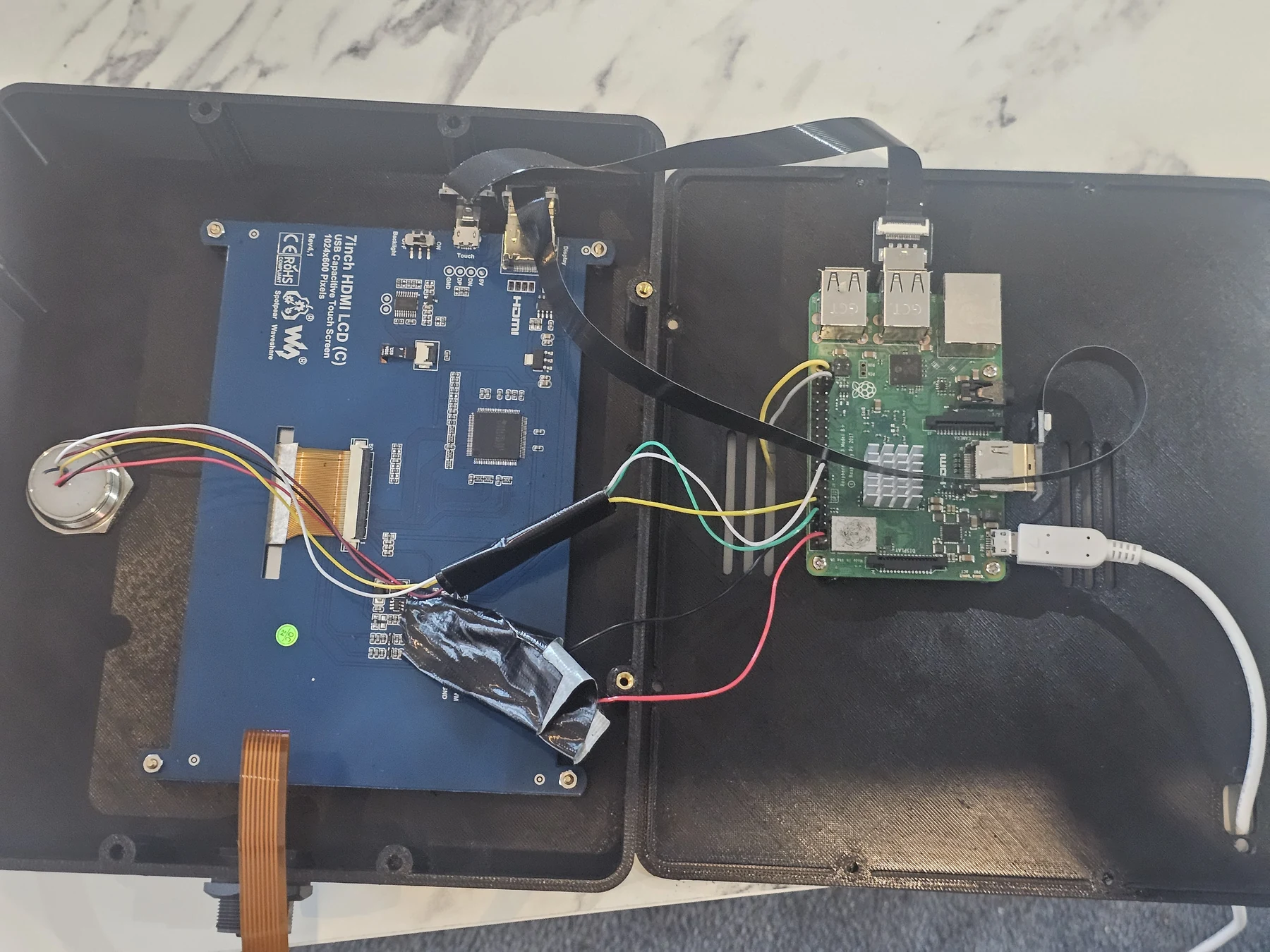
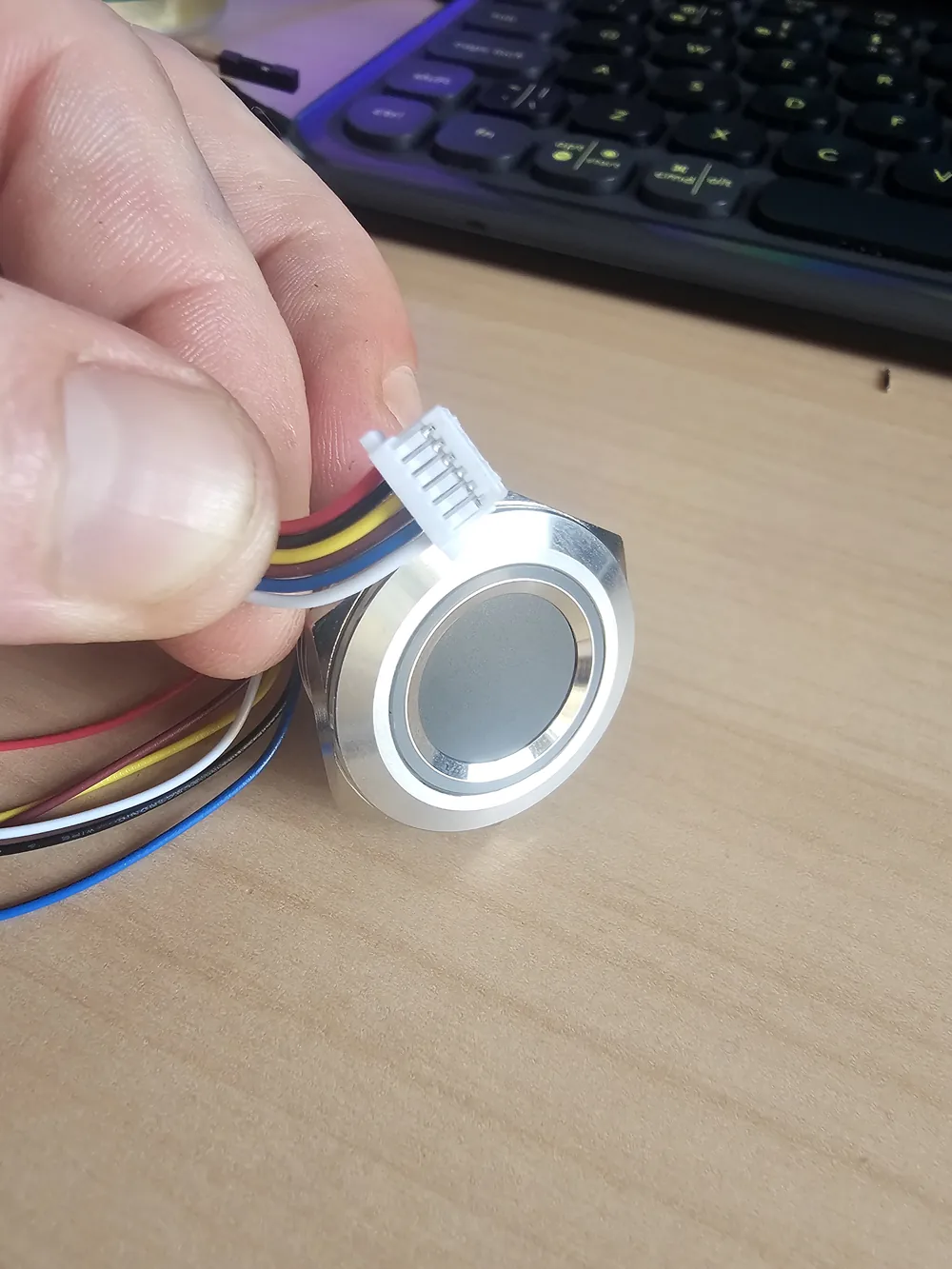
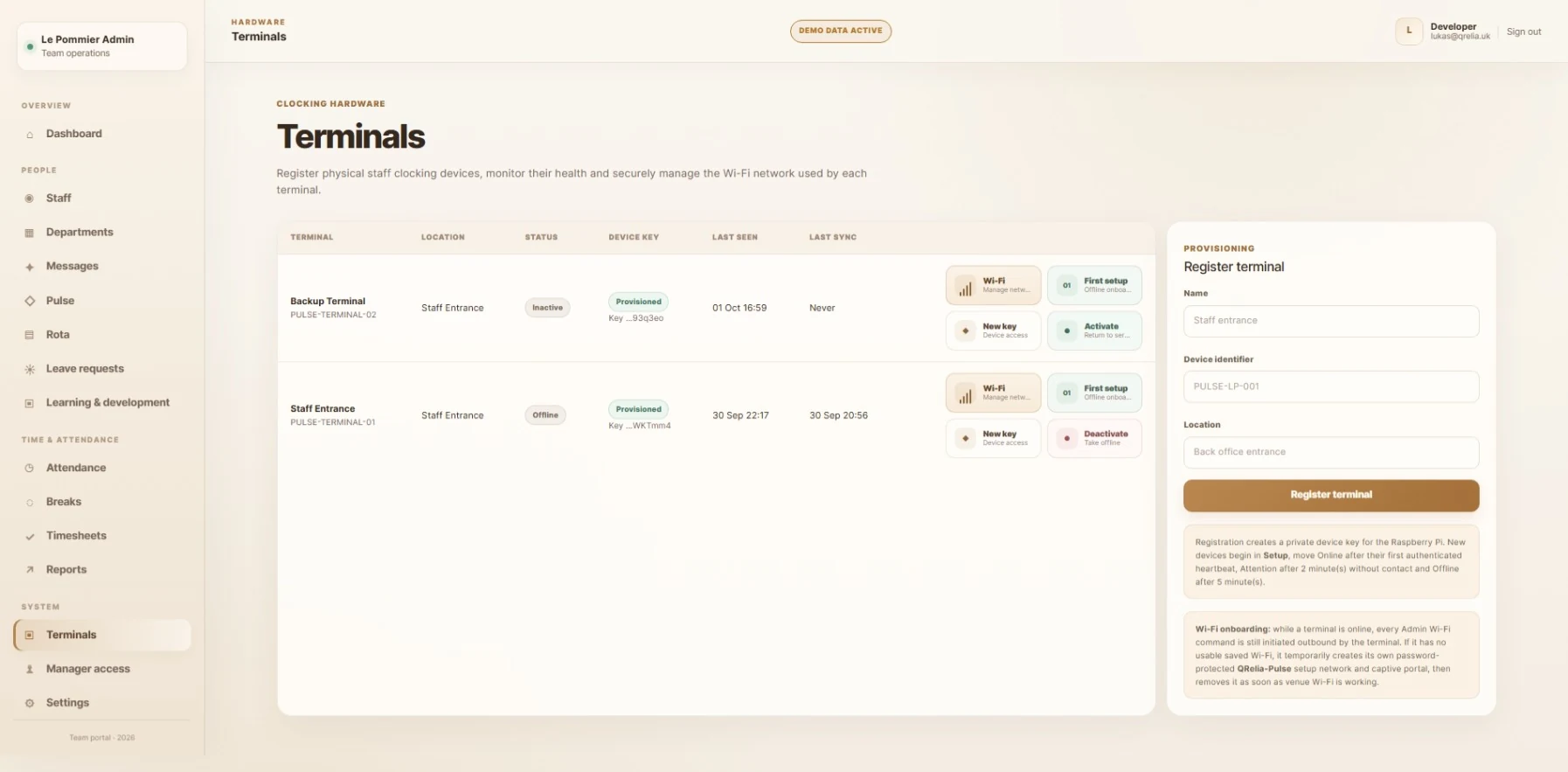
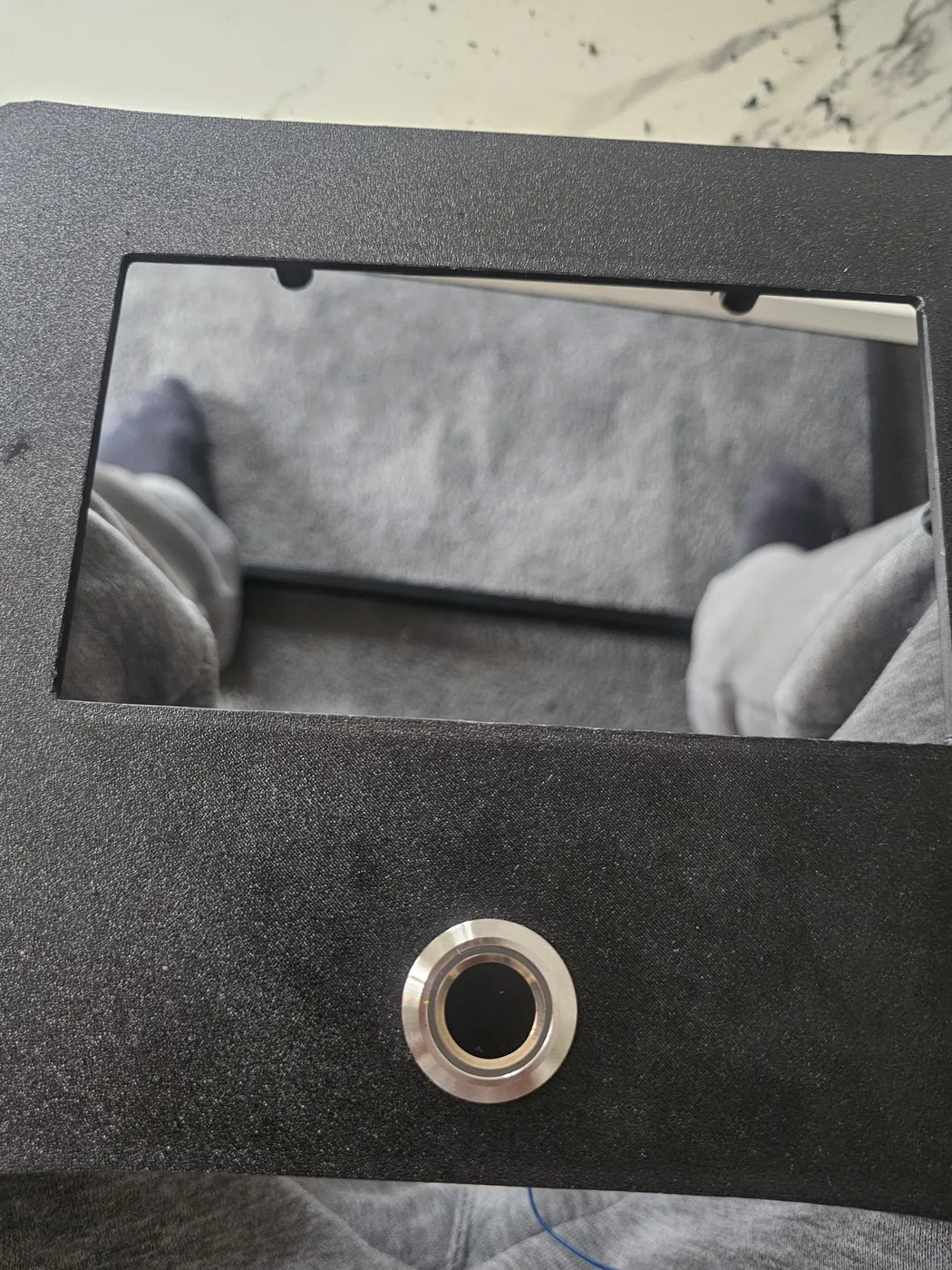
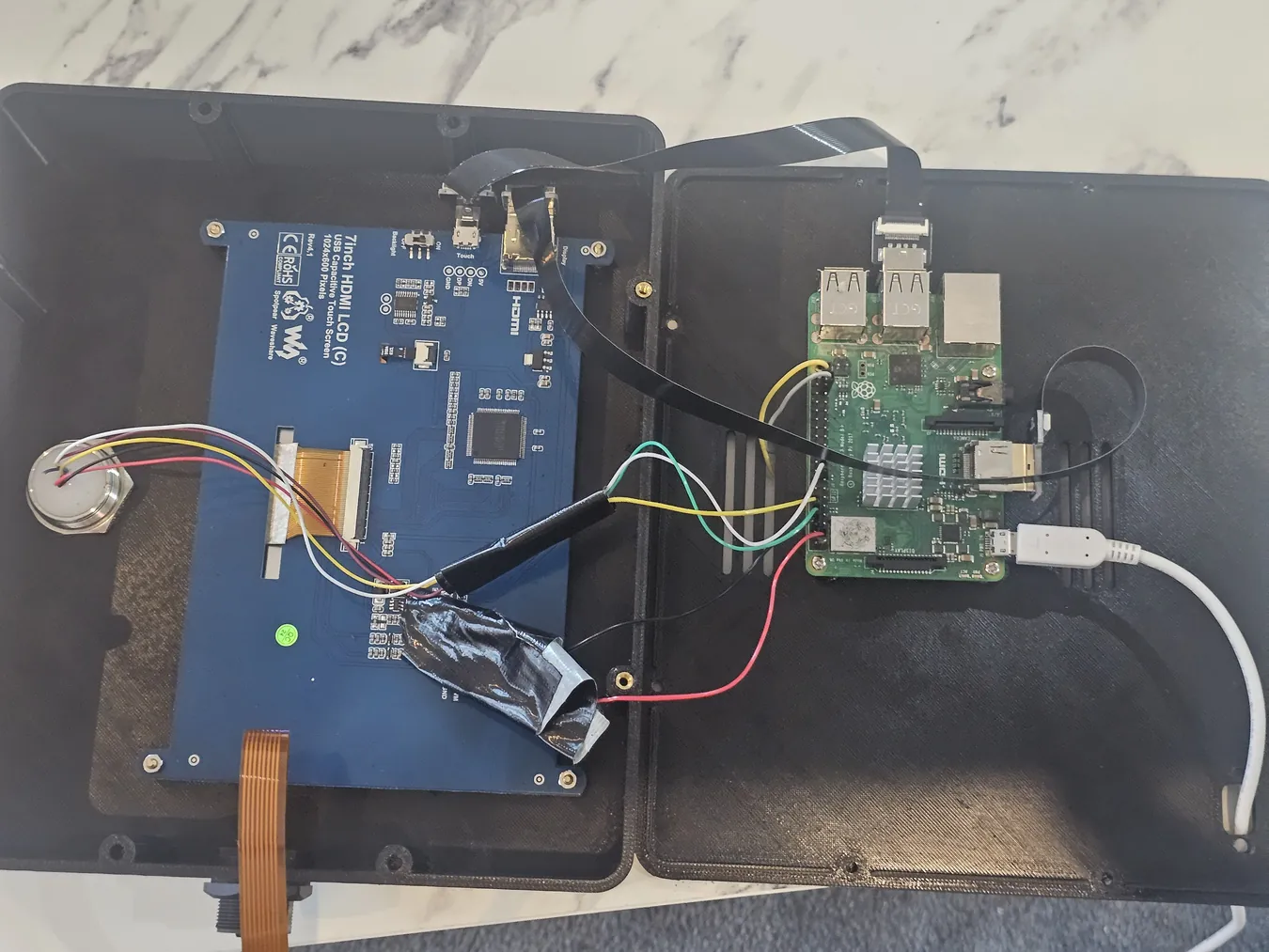
The unit brings together a Raspberry Pi 3 B+, a 7-inch 1024 × 600 touchscreen, an R503 fingerprint sensor, dedicated power and a custom 3D-printed wall enclosure.
I worked on the hardware wiring, kiosk experience, finger detection, visual ring feedback, secure network connectivity, provisioning, boot presentation and recovery behaviour. These are the unglamorous details that turn a working demo into an appliance a venue can actually use.
Fingerprint templates are handled by the on-device reader rather than uploaded as fingerprint images to the management portal.
The build, in photographs.
From parts and fitment to wiring, testing and final packing. Every image below is from the actual project.
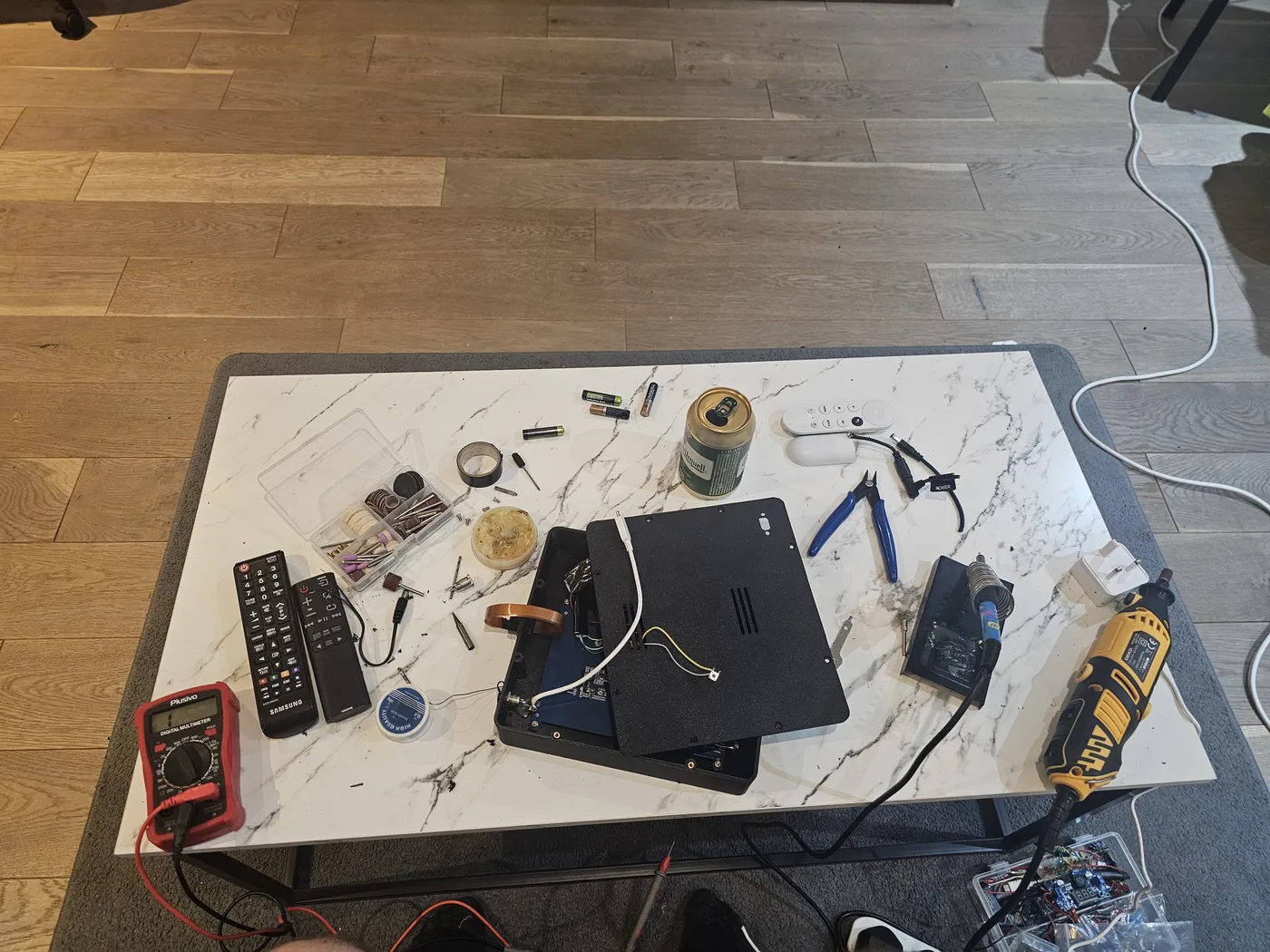
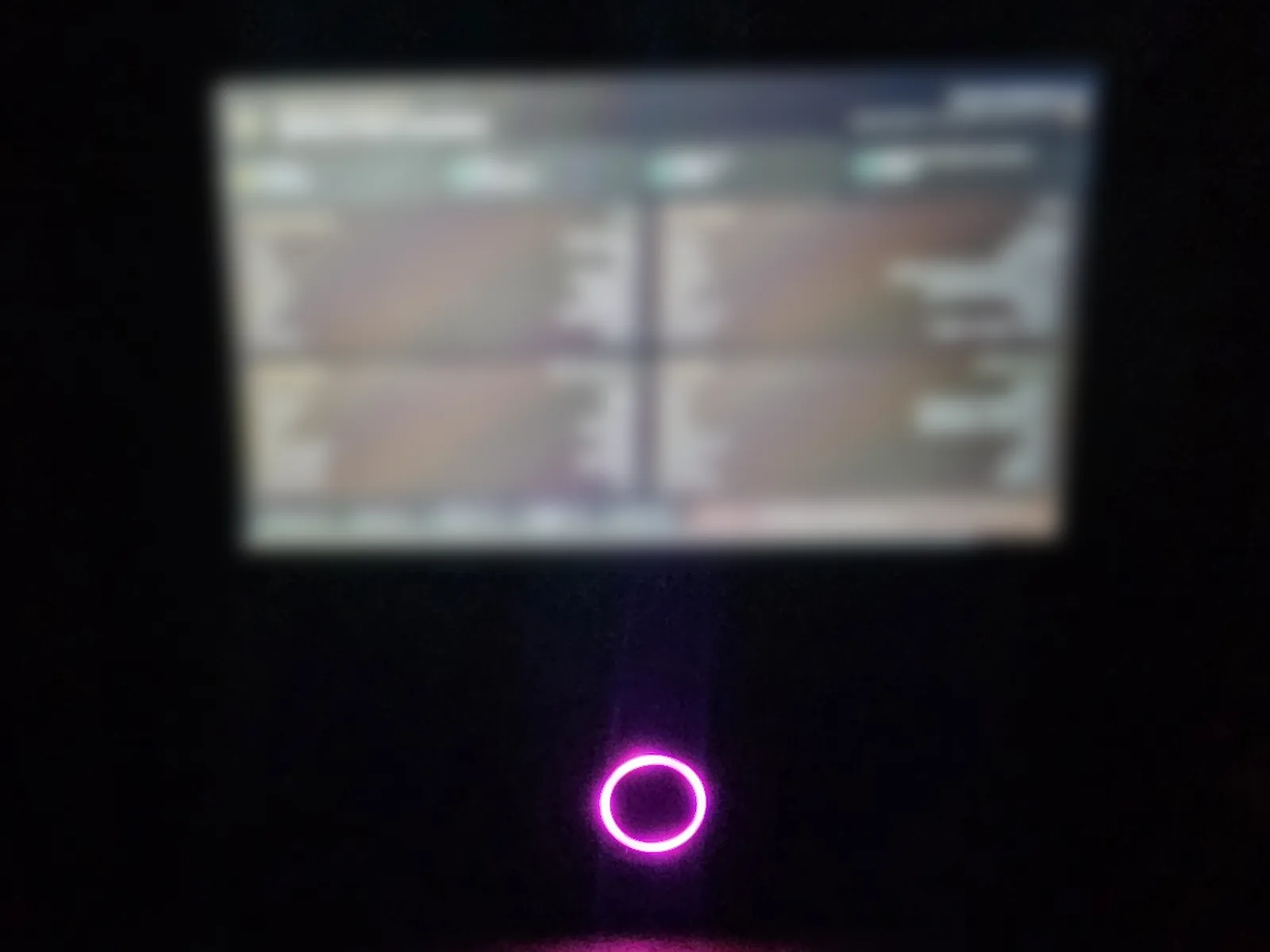
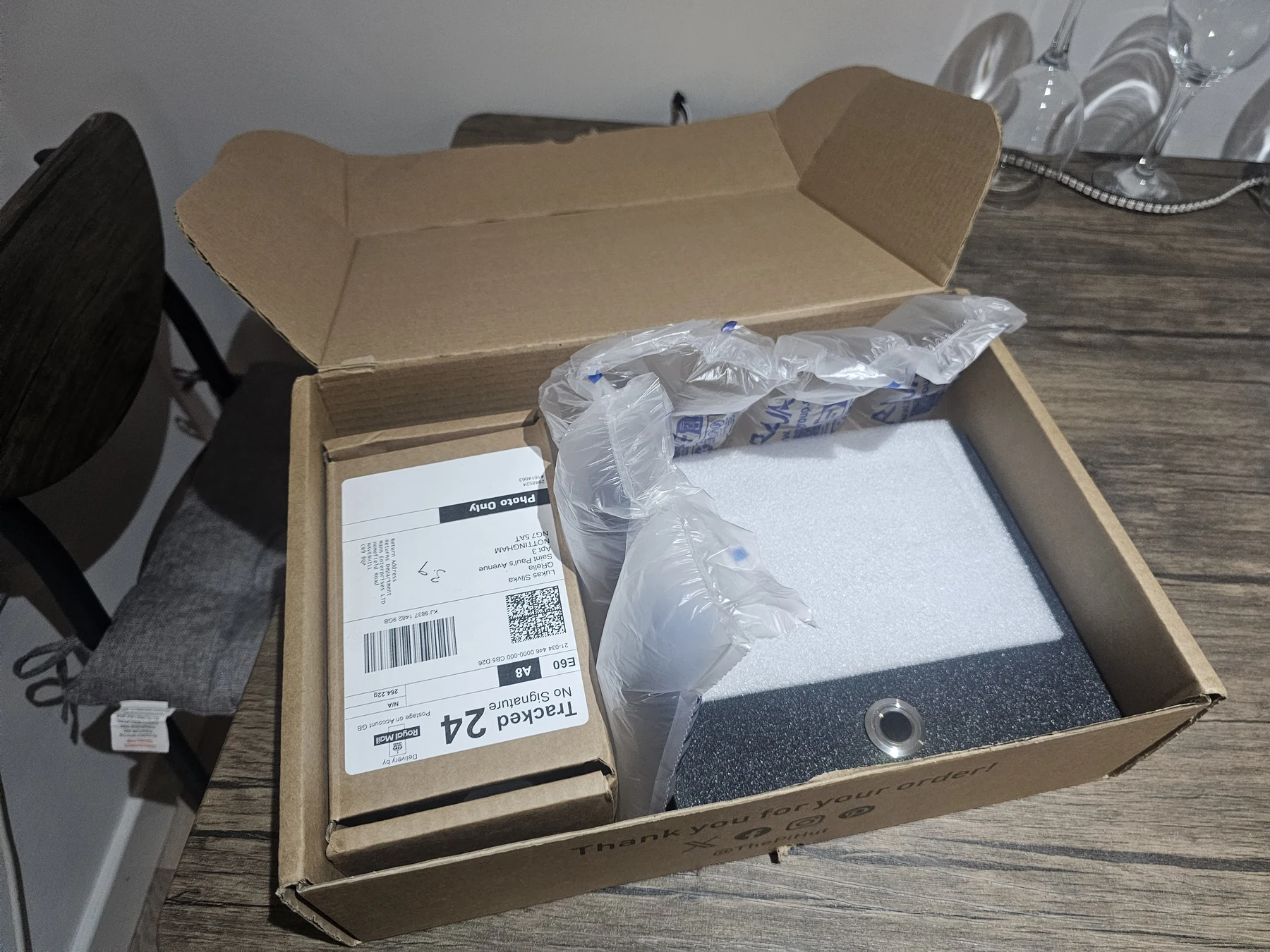
When a sensor disconnects, Wi-Fi drops or the unit restarts, the interface needs to tell the truth. That is a different discipline from making a web page look finished.
07 / WATCH THE PROJECT
Four original videos. See it beyond still images.
Play directly here or open on YouTube. The recordings are linked as supplied, without invented descriptions.
THE BIGGER PICTURE
I know the shift. I built the system. I wired the terminal.
QRelia handles guest ordering and service flow. Pulse is its distinct workforce-operations sibling: staff scheduling, learning, recognition and physical attendance. Both come from the same experience of real hospitality, translated into working products.